
Exam Insights helps you prepare for QCAA exams using past questions, syllabus resources, insights, progress tracking, and learning-focused AI tools.
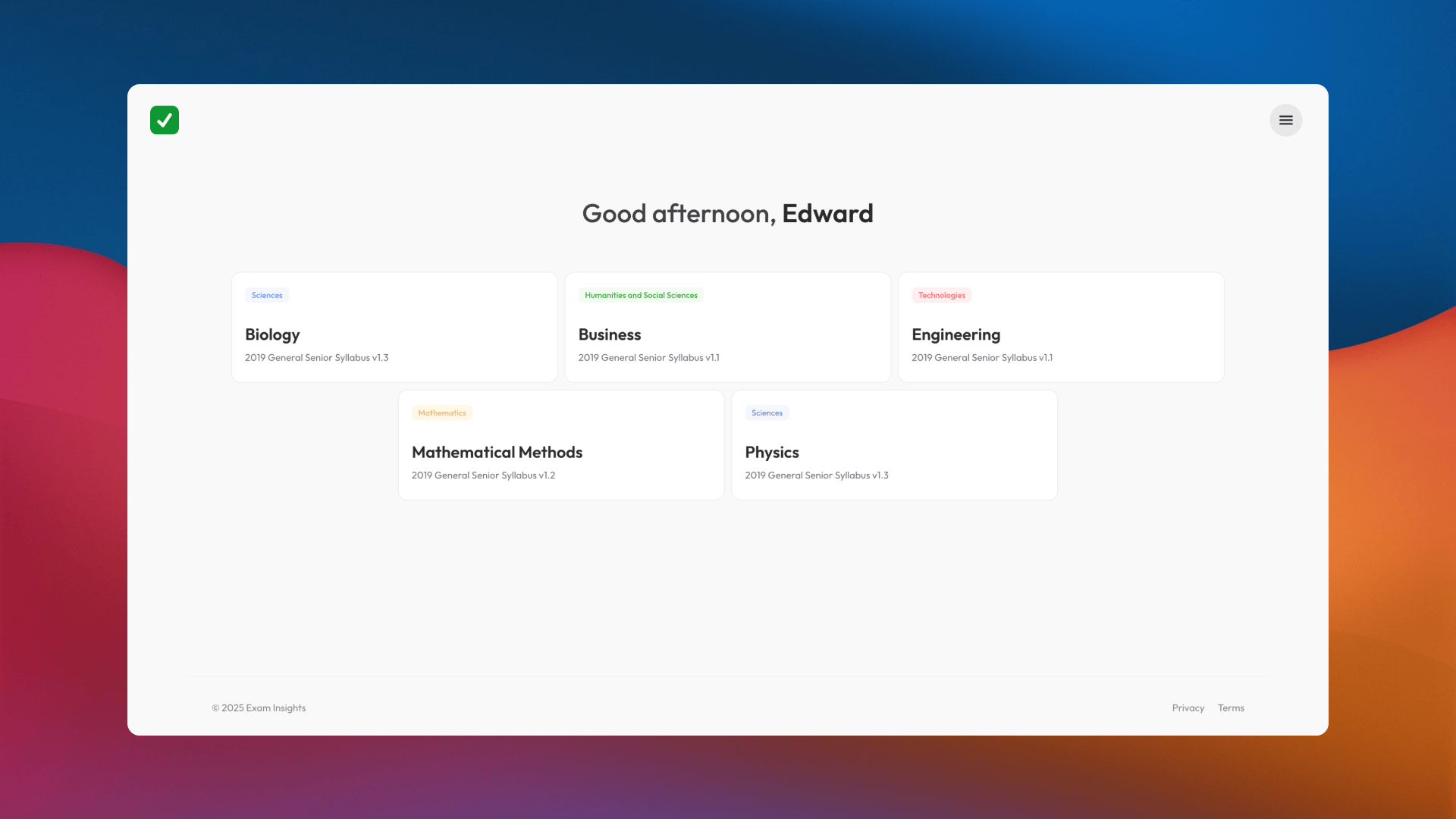
Exam Insights My Subjects dashboard

Find questions and review your progress

Start here

You can explore many resources without an account. Create a free account when you want to save progress, choose subjects, and use personalised features.
1

Choose a subject

Select the QCAA subject you are studying. You can add or change subjects later in Account Settings.
2

Find a question

Open Questions and filter by unit, topic, difficulty, or cognitive verb.
3

Attempt and review

Try the question, then use the marking scheme, stimulus, and formula book to review your response.
4

Track your progress

Use Performance to review your reflections and identify topics that need more attention.

If your school gives you access

Use the same email address your school provided. Existing accounts are linked to your school; new users can create an account with their school email. Your school may not send an automatic email when access is granted. If upgraded features are not available after you sign in, ask your educator or school administrator to confirm that a licence has been assigned. You choose your own subjects. Your school does not need to create classes or assign subjects for you.

Using AI tools well

Our AI tools are designed to support learning, not complete work for you. Good prompts ask for explanations, hints, feedback, or help understanding a concept. Do not share your name, email address, other students’ details, or private school information in an AI prompt. AI responses can be wrong, so check important information against your syllabus and official resources.