
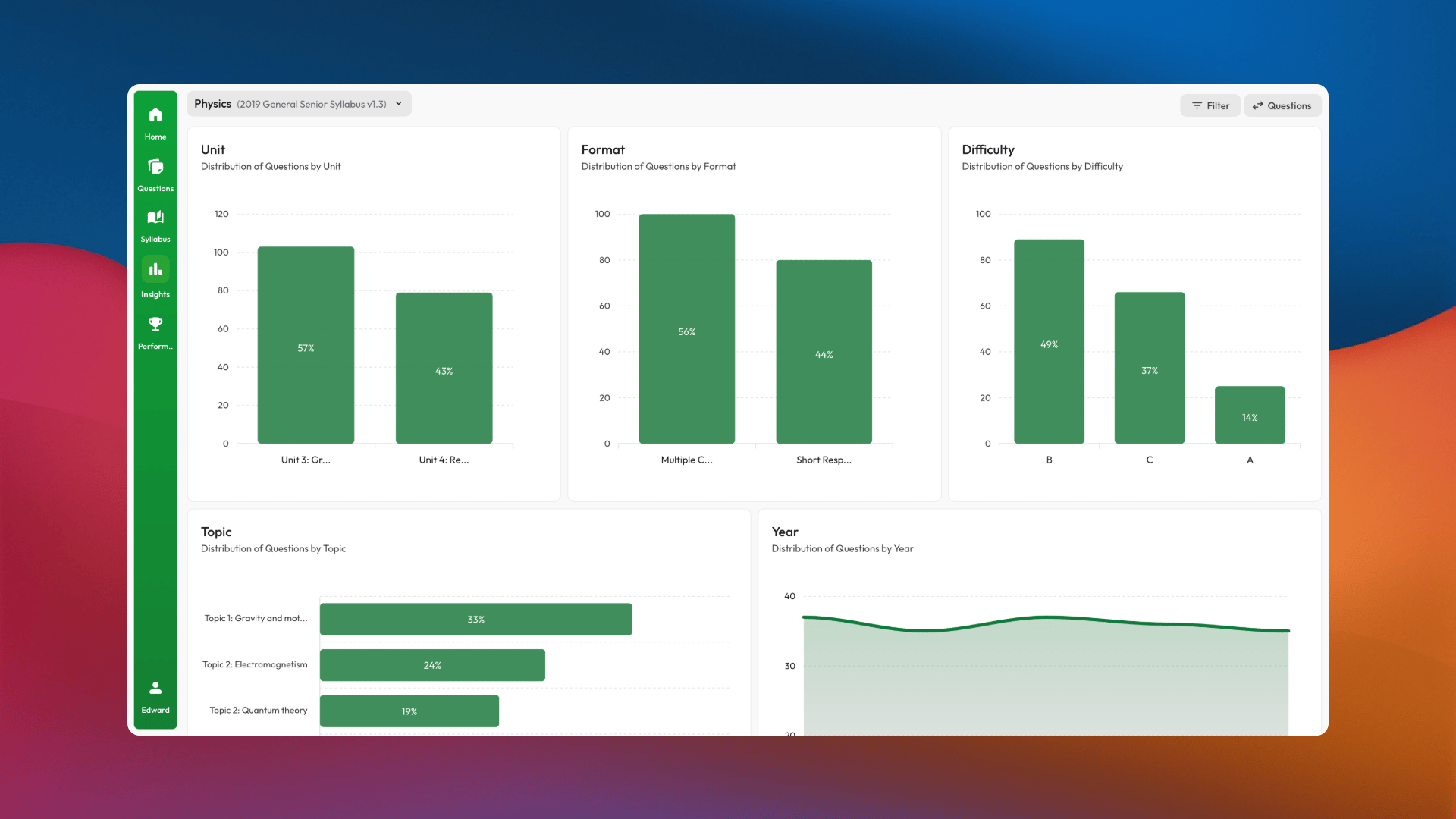
Explore question trends and data as an educator
Using Exam Insights as an educator
You can explore the core platform as an individual. With school access, an educator can choose teaching subjects and use the features available under the school’s licence. Exam Insights does not currently create classes, assign subjects, or provide a classroom AI-usage dashboard. It complements your existing classroom and learning-management tools rather than replacing them.Choosing a school setup model
See Setting Up Your School for the full comparison.
If you are helping with rollout
- Confirm whether your school uses managed or self-managed setup.
- Make sure users are added with the correct email address and role.
- Grant licences when your school is ready for users to access upgraded features.
- Tell students how to sign in; licence assignment does not send an automatic email.
- Remind users that they choose their own subjects.